
VPN vs. VLAN: Key differences, benefits, and use cases


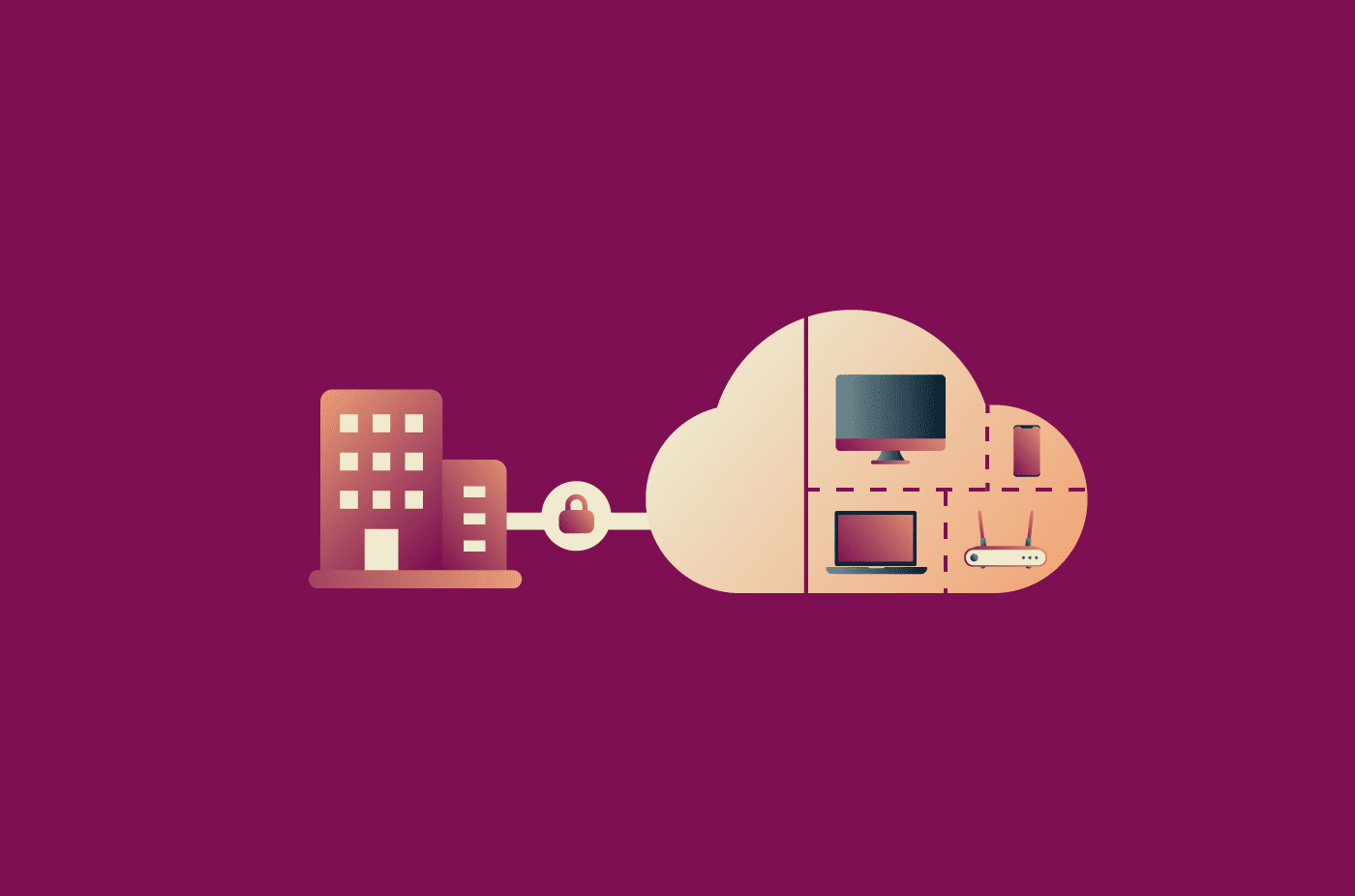
A virtual private network (VPN) and a virtual local area network (VLAN) may sound similar, but they serve different purposes. Both can help organizations manage network traffic and improve security, yet they operate at different levels of the network and address different needs.
While VPNs and VLANs are sometimes discussed together, they're not competing technologies.
Note: This article is about corporate VPNs used by organizations to secure internal networks and manage employee access. These differ from commercial VPNs like ExpressVPN, which are designed for individuals seeking to protect their privacy and secure their browsing on public Wi-Fi. Because VLANs are used to segment and manage networks within organizations, this article focuses on the VPN type that operates in the same context.
VPN vs. VLAN at a glance
Despite their similar names, VPNs and VLANs are fundamentally different technologies that solve different problems. A VPN is something you actively configure: software installed on a device, built into an operating system, or deployed at a network gateway to create an encrypted tunnel for traffic moving across the internet or another untrusted network.
A VLAN, by contrast, is a piece of network architecture: a way of logically dividing a physical network into separate segments. Most users will never directly interact with a VLAN, even if they're on a network that uses one.
Key differences between VPN and VLAN
- Purpose: VLANs segment traffic within a local network. VPNs create encrypted connections that allow devices or networks to communicate securely across the internet or other untrusted networks.
- Scope: VLANs typically operate within a local, building, or campus network, though they can span multiple switches through trunk links. VPNs can connect devices and networks across different locations.
- Security model: VLANs separate traffic by tagging and isolating it at Layer 2 of the Open Systems Interconnection (OSI) model. VPNs protect data through encryption, so it can't be read in transit.
- Typical users: VLANs are configured by network administrators in offices, schools, and data centers. VPNs are used by remote workers and organizations to securely access internal resources and by individuals for privacy.
- Hardware requirements: VLANs require VLAN-capable network equipment, usually managed switches, that can support VLAN tagging. VPNs run on software, routers, firewalls, or dedicated VPN appliances and don't require special switching infrastructure.
Quick comparison table
| VPN | VLAN | |
| Primary purpose | Securely connects devices or networks across the internet or other untrusted networks | Logically separates devices within the same physical network |
| Main benefit | Privacy, security, and remote access | Network segmentation and traffic isolation |
| Works at | Common corporate VPNS typically operate at Layer 3 (network layer) or above | Layer 2 (data link layer) |
| Uses encryption | Usually yes | No |
| Geographic scope | Can connect users across cities, countries, or continents | Typically limited to a local network or managed network environment |
| Common use case | Employees securely accessing company resources remotely | Separating departments, devices, or services on a local area network (LAN) |
What is a VLAN?
A VLAN is a way to divide a single physical network into multiple logical ones. Picture an office building with a single large network where every computer can technically reach every other one. A VLAN lets the IT team split it into smaller virtual segments (finance staff on one, the engineering team on another, and guest Wi-Fi on a third), each behaving as an independent network, even though all segments share the same physical infrastructure, such as switches, cables, and routers.
How a VLAN works
VLANs provide a method to logically segment a physical network, restricting Layer 2 connectivity to members of the same VLAN and creating isolated broadcast domains. Across trunk links, this is done through VLAN tagging, which inserts a VLAN identifier into Ethernet frames, enabling network switches to identify and segregate traffic based on VLAN membership.
Switch ports can be configured as access ports, which are untagged and belong to a single VLAN, or as trunk ports, which carry traffic for multiple VLANs over a single physical link between switches. Access ports connect end devices like laptops, printers, and phones. Trunk ports usually link switches together or connect a switch to a router. This is how tagged finance frames, tagged engineering frames, and tagged guest Wi-Fi frames can all travel over the same cable without getting mixed up.
Learn more: Internet infrastructure: What it is and how it works.
Common VLAN types and assignment methods
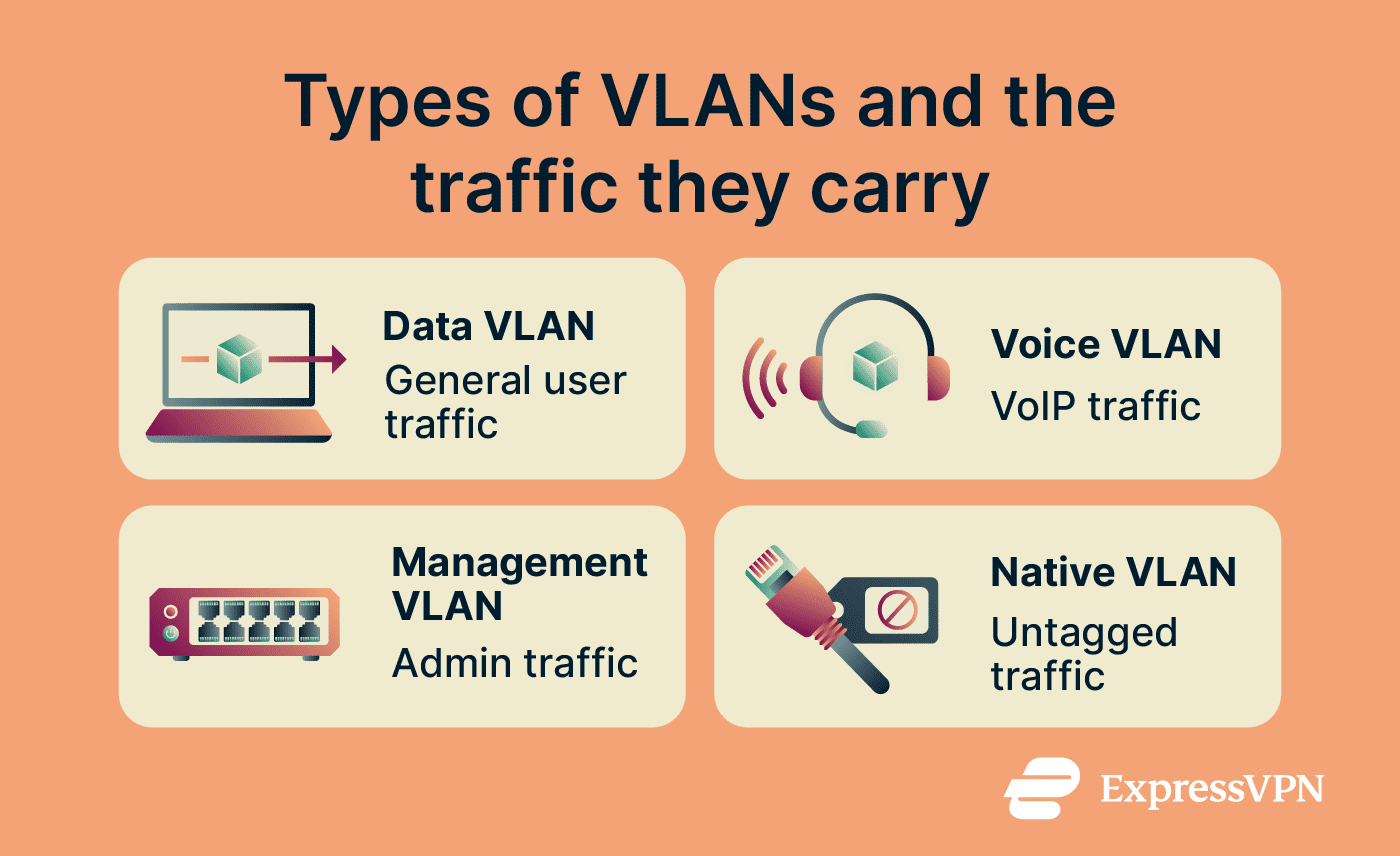
VLANs are often described by the role they serve or the type of traffic they carry:
- Data VLAN: The most common type, carrying general user traffic (emails, web browsing, file transfers) across departments or user groups.
- Voice VLAN: Dedicated to Voice over Internet Protocol (VoIP) traffic. Keeping voice on a separate segment makes it easier to apply Quality of Service (QoS) policies that reduce delays and jitter on calls.
- Management VLAN: Separates network administration traffic from regular user traffic, giving IT teams a dedicated path to access and manage switches, routers, and firewalls.
- Native VLAN: The VLAN assigned to untagged traffic on a trunk port. Misconfigured native VLANs can create VLAN hopping risks, so careful configuration is important.
Devices are commonly assigned to VLANs in one of three ways: by physical port (the simplest and most common approach), by Media Access Control (MAC) address (useful when devices move around but should stay on the same segment), or by traffic protocol.
Advantages of VLANs
VLANs deliver several practical benefits for organizations:
- Better performance: Dividing a large broadcast domain into smaller ones reduces unnecessary broadcast traffic, which can otherwise slow down larger networks.
- Improved internal security: Sensitive departments, such as HR and finance, can be placed on their own VLAN, separate from general office traffic. If an attacker gains access to one segment, VLAN separation can limit lateral movement, though routing rules, firewall policies, and access controls determine what other systems are reachable. A router, firewall, or Layer 3 switch controls what traffic, if any, passes between VLANs.
- Easier management: Adding, moving, or removing users becomes a configuration change rather than a cabling project.
- Cost efficiency: A single set of physical hardware supports multiple logical networks, reducing the need for separate switches and cables for each department.
- Compliance support: VLANs can support compliance efforts by helping separate regulated systems or data from general traffic, though they usually need to be combined with access controls, monitoring, and other security measures.
Limitations of VLANs
VLANs offer real value, but they don't cover every networking need:
- No built-in encryption: VLAN tagging keeps traffic separated, but the data itself isn't encrypted. Encryption requires a separate control, such as MAC Security (MACsec) or a VPN.
- Limited scope: Traditional VLANs are usually confined to a local or managed Layer 2 network. Extending similar Layer 2 segmentation between offices requires additional technology such as Virtual eXtensible LAN (VXLAN), which creates a Layer 2 overlay across a Layer 3 network.
- Configuration complexity: VLAN-capable network equipment, usually managed switches, is needed. VLANs also take careful planning. Misconfigured setups can leak traffic, create routing loops, or block legitimate users.
- Limited against insider threats: Someone already on the network with valid credentials can still cause damage within their assigned VLAN.
What is a VPN?
A VPN creates an encrypted tunnel between a device and a remote server or gateway, routing traffic through that tunnel so that local observers see only an encrypted connection to the VPN endpoint, not the traffic inside it.
In an enterprise context, VPNs serve two main functions: providing remote employees with secure access to internal systems and connecting separate office networks to one another over the internet.
Read more: Types of VPNs: Complete guide to VPN categories and protocols.
How a VPN works
When a device connects to a VPN, the following happens automatically:
- Authentication: The VPN verifies that the user, device, or VPN peer is authorized to connect, using methods such as credentials, certificates, pre-shared keys, or multi-factor authentication (MFA), depending on the VPN type.
- Tunnel setup: The client negotiates an encrypted connection with the VPN server using a protocol such as Internet Protocol Security (IPsec) / Internet Key Exchange version 2 (IKEv2) or Secure Sockets Layer (SSL) / Transport Layer Security (TLS).
- Encryption: Outgoing data is encrypted using algorithms such as Advanced Encryption Standard (AES) 256-bit or ChaCha20, depending on the VPN protocol and settings.
- Routing: The encrypted data travels to the VPN server or gateway, which decrypts it and forwards the request to its destination.
- Return trip: Responses return to the VPN server or gateway, are re-encrypted, and travel back to your device.
When traffic is routed through the VPN, the destination may see the VPN gateway's IP address rather than the device's original public IP.
Advantages of VPNs
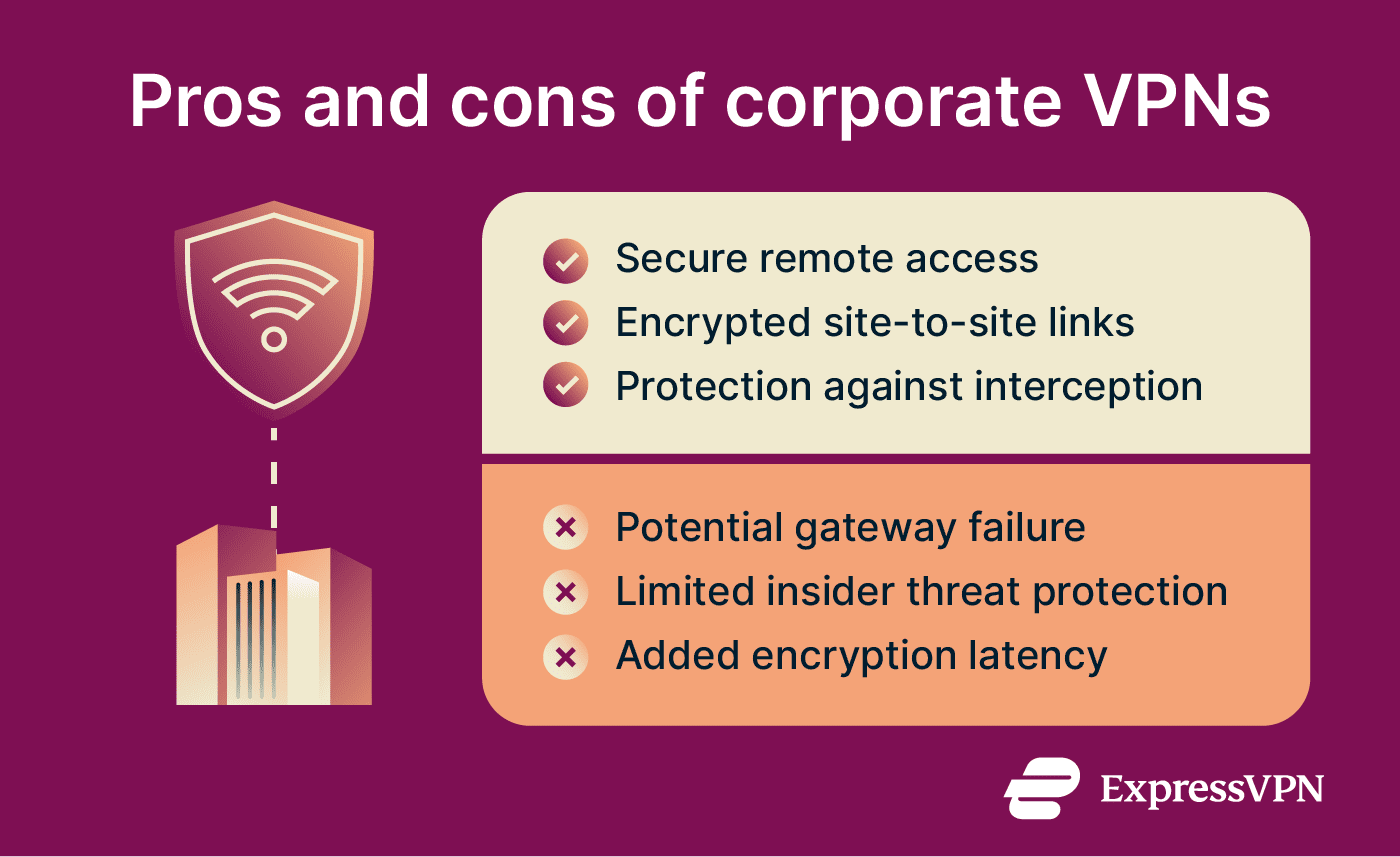
- Secure remote access: Organizations often use encrypted VPNs to enhance confidentiality and integrity over remote connections, which may provide sufficient assurance to treat such connections as internal networks.
- Controlled access to internal resources: Employees can reach internal systems, private applications, and company files from outside the office network, with access governed by authentication policies.
- Encrypted site-to-site connectivity: A single IPsec connection can establish a cryptographically protected tunnel between gateways, supporting all communications between two networks, or multiple connections can each protect different types or classes of traffic.
- Protection against interception: VPN encryption renders traffic inside the VPN tunnel unreadable to anyone capturing it in transit, though traffic may still need HTTPS or other protections after it leaves the VPN gateway.
Also read: What's the difference between remote access VPNs and site-to-site VPNs?
Limitations of VPNs
VPNs are widely used for secure remote access, but they work best as part of a broader security strategy.
- Speed impact: Encryption and routing through a VPN gateway can add latency. With well-configured infrastructure, the effect is usually small, but performance can vary by network conditions and server load.
- Availability considerations: VPN gateways add another component to manage, so organizations need proper capacity planning, monitoring, and redundancy to maintain reliable access.
- Gateway trust: VPN security depends on the VPN gateway being properly configured, maintained, and protected. Strong administration, patching, and access controls help reduce this risk.
- Not a complete security solution: A VPN protects data in transit, but it doesn't stop threats from compromised endpoints, misused credentials, or activity inside the network.
- Not designed for local segmentation: A VPN doesn't divide a local network into segments; that is the role of VLANs.
Use cases for VLANs and VPNs
A VLAN is the right tool when the goal is internal organization or isolation. Examples include:
- A mid-sized company that wants to separate its development network from sales traffic and guest Wi-Fi.
- A school district that needs to provide students with internet access without exposing its administrative systems.
- A business that places new or untrusted devices on a restricted VLAN until IT has checked and approved them.
- A hospital that uses VLANs to isolate medical devices and reduce exposure to other parts of the network.
A VPN is the right tool when traffic needs to travel safely across the public internet. Examples include:
- A remote employee who needs encrypted access to company systems from outside the office.
- A company connecting two or more offices over the internet via a site-to-site VPN, so that internal segments in different locations can communicate securely.
- An administrator who needs to reach sensitive management tools (firewalls, switches, or server consoles) without exposing them to the public internet.
Many networks use both at once. A business with several offices often runs VLANs inside each location for internal segmentation, then uses a site-to-site VPN to connect those offices over the internet. For example, the finance network in New York can then securely communicate with the finance network in London over the VPN, in accordance with the organization's routing and access rules. Remote employees connect through a client VPN, and network rules then determine which internal systems or segments they can access.
FAQ
Is VLAN faster than VPN?
Does a VLAN provide security like a VPN?
Both improve security, but they protect against different threats. A VLAN doesn't encrypt traffic within the same segment, so it doesn't provide confidentiality as a VPN does. A VPN doesn't keep your sales team's data separate from your engineering team's. Many networks use both for that reason.
Can I use a VLAN without a router?
Do businesses need both VLAN and VPN?
What is VLAN over VPN?
Is a VPN required for remote work security?
How do VLANs improve network performance?